How to Set Preferences for Patient Hot List?
Users can set preferences for patient hot list.
Follow the above mentioned workflow to land on ‘My Preferences – General’ screen.
Users can set the number of patients they wish to view in a ‘Hot List’ and can also set the order in which they wish to sort patients in the ‘Hot List’.
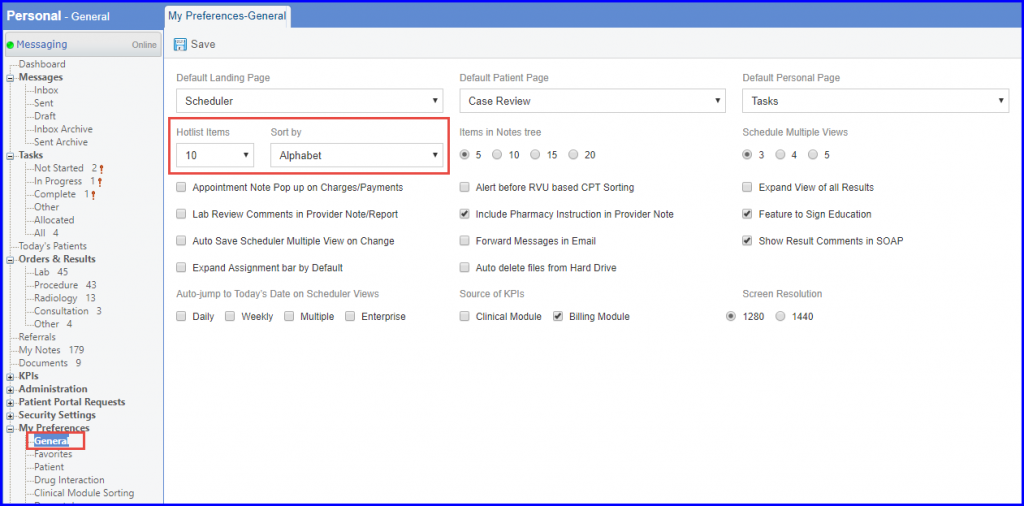
Users can set alphabetical sorting for the ‘Hot List’, in which case, the list of most recently used patients sorted is displayed alphabetically.
