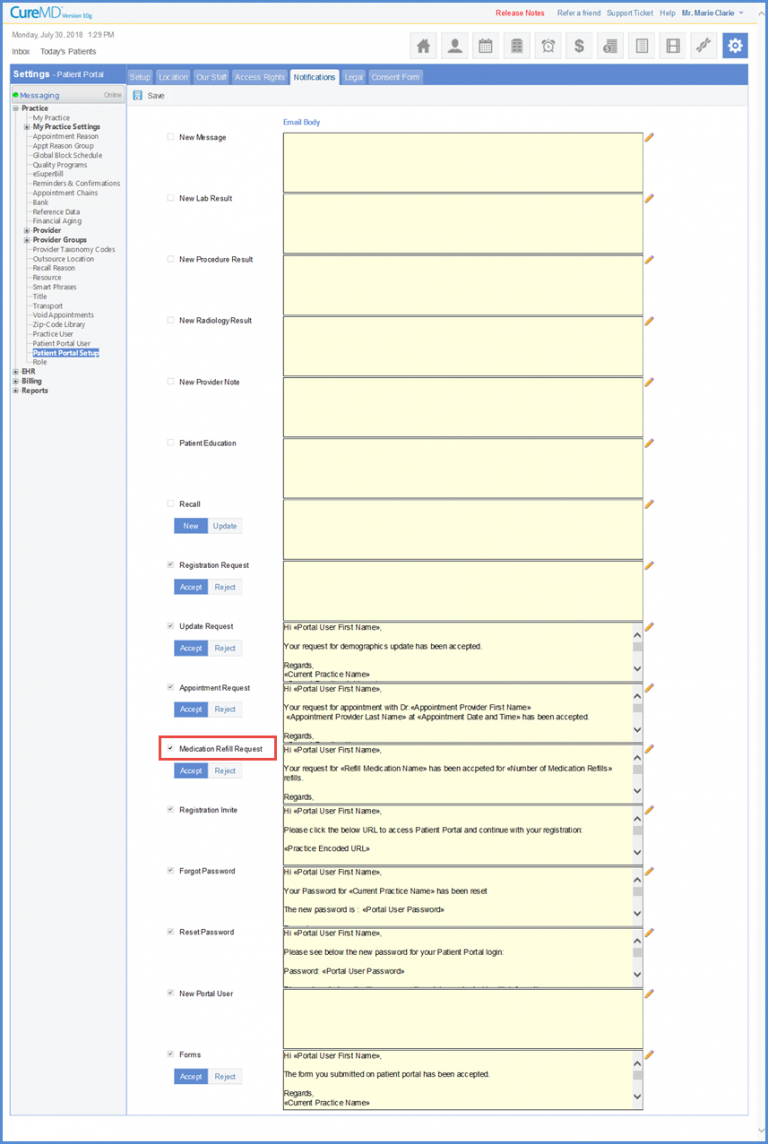
How to Disable Email Notifications for Refill Request Acceptance/Rejection?
CureMD application enables the user to turn the notifications on/off for the patients whenever a refill request is accepted or rejected.
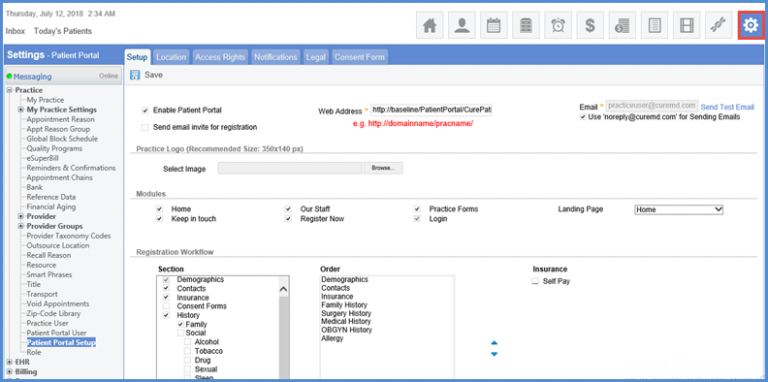
Once the user opens ‘Patient Portal Setup’, they can open the ‘Notifications’ tab and scroll down to locate ‘Medication Refill Request’ checkbox. Enabling this checkbox enables notifications of Medications Refill Request.