Multiple Location Select for Provider Plan Pin
Users can associate a Provider Plan Pin with multiple locations from the location dropdown menu. Thus removing the repetitive process of associating location with the pin.
Select a Practice Provider upon navigating to Practice Provider.
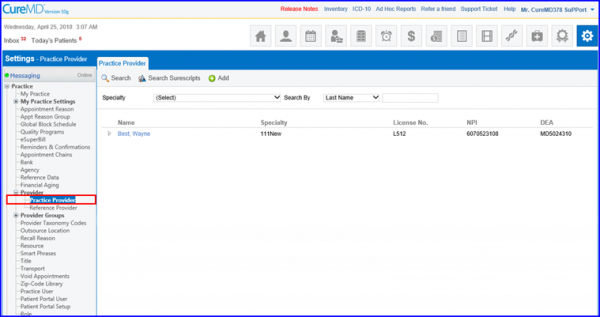
Doing so opens up the Provider profile. Switch the tab to Provider Plan Pin.
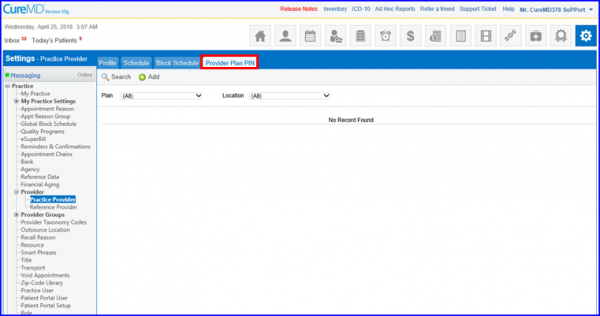
Create a new pin, choose a plan and select multiple locations for it.
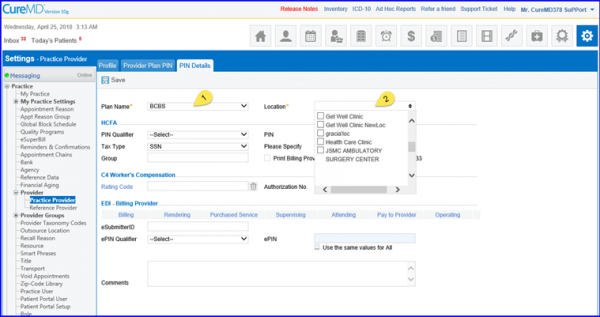
Once the changes are saved, the system populates these locations as multiple Provider Plan Pins.
