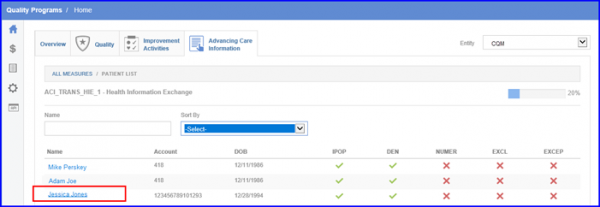
How to view Patient Level Details in ACI Measures?
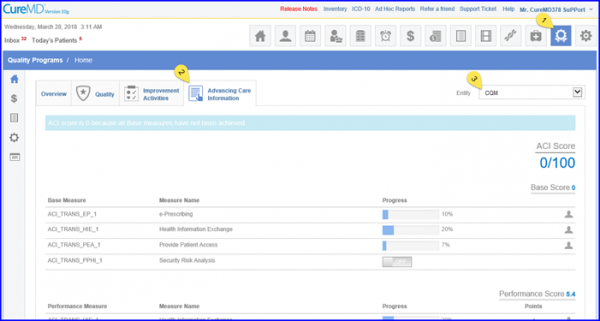
Enables users to view patient listing for ACI Measures in Quality Programs module. Upon navigating to Advancing Care Information tab on MIPS Dashboard, select an entity and click on the patient icon.
This action directs users towards Patient List.
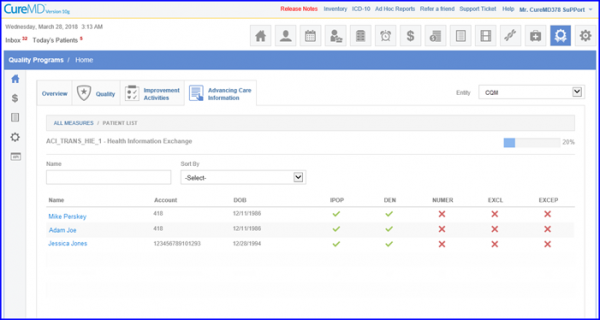
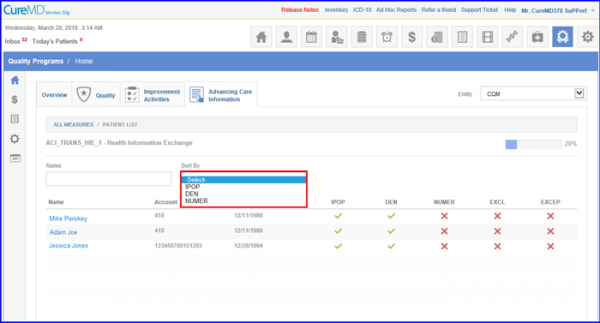
Providing users with options to:
- Sort patients based on IPOP, DEN or NUMER filters.
- Open Patient Demographics in a new window by clicking on their name.